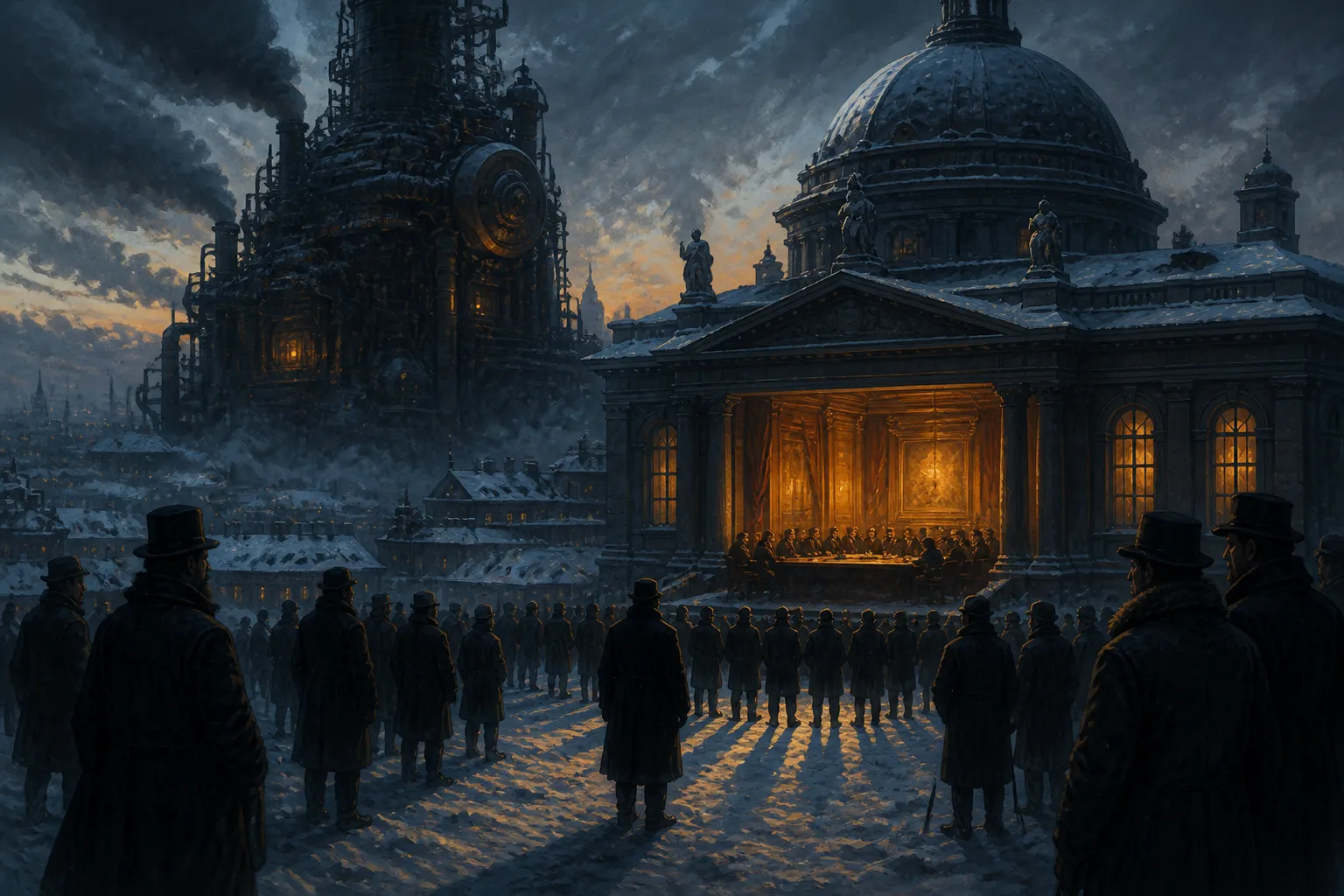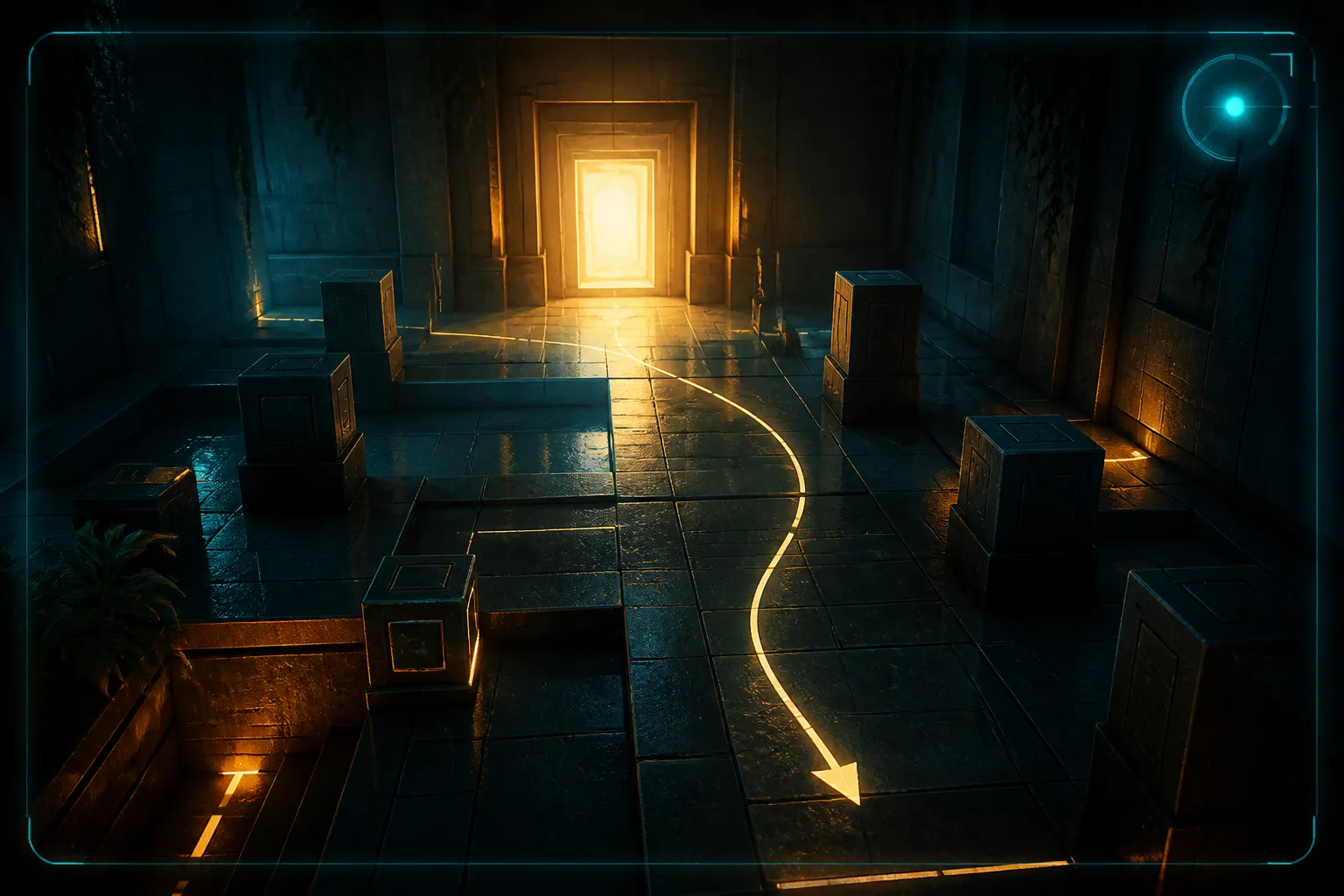
A player enters a room and notices a bright doorway before noticing the walls. A warning appears at the edge of the screen, close enough to catch the eye but far enough away to leave the doorway visible. Those choices can feel effortless in play. They are a handy way to ask what art direction does. Aesthetics describes how a game looks. Art direction, as this article uses the term, is the set of decisions that make the look serve the experience. Color and shape matter. So do attention, movement, and the moment a player knows what to do next.
Why the Question of Aesthetics Matters
We remember games in images: a silhouette against a sky, a crowded map, a menu with a particular glow. A memorable image tells us about a game's visual identity. It tells us little about how that identity holds up over hours of play. Does a doorway stay legible when the room is busy? Does a prompt stand out without pulling the eye from danger? Does a space give someone enough information to move through it with confidence?
The two talks discussed here do not define art direction. That definition is this article's working frame. What the talks offer are two places to test it: the interface, where information competes for attention, and the environment, where visual choices help a player read space. A striking screenshot may invite someone in. The decisions behind it have to keep making sense once that person starts moving.
A note on age. One talk is from GDC 2018 and the other from 2024. Neither is fresh news, and the 2018 session in particular predates several hardware and engine generations. Treat both as background on how developers frame the problem, not as a report on current practice.
Interface as a Cognitive Problem
In the GDC 2018 Visual Arts session "Art Direction for AAA UI," Omer Younas of DICE LA describes UI art direction as pivotal for players. The abstract ties it to cognitive processes, relevant theory, best practices, and knowledge of the game engine, and it spans development from concept through release. On that account, an interface is not decorated after the other decisions are made. It is planned, built, and kept coherent as those decisions shift.
Picture a split second in which a player checks a health display while tracking movement on screen. The display must draw the eye at the right time, and the player must read it fast enough to act. Typography, placement, contrast, and animation all affect that exchange. This is an illustration, not an example from the session. Younas's stated aim is to use cognitive theory to make UI presentation engaging and cohesive, and to remove guesswork from producing consistent UI art.
Consistency here means more than a shared color across panels. Players learn where to look and what a cue means. When the interface honors that learning, its art direction is part of play, even if nobody stops to admire a single screen.

Designing Space With Architectural Principles
The view widens in "The Synergy of Architecture and Structural Engineering in Game Art and Design," a GDC 2024 Art Direction Summit talk by Joshua Haun of Activision. Its abstract presents architectural design methods and structural principles as patterns artists and designers can use to build virtual spaces where users feel catered to. It suggests an environment can speak to a player subconsciously, without a label for every instruction.
Imagine approaching a sheltered passage that opens onto a wide area with several routes. The change in enclosure might make a player slow down. That passage is my illustration, not a case from Haun's abstract. It shows why the premise reaches past surface styling: the apparent structure of a place shapes what a player expects from it before any prompt appears.
The abstract says realism is only one benefit. Its larger claim is that the combined effect of many conditions influences the user. A space can look convincing and still be hard to read. A stylized one can be easy to read because it makes scale, access, and direction obvious. Either way, the player's encounter with a space is a design problem, not only a visual result.
Questions You Can Ask While Playing
The abstracts give no techniques or numbers, so the following checklist is editorial, drawn from the two themes above rather than from the talks. It turns the idea into something you can test with a controller in hand. Run it on any game, including the small ones in the arcade catalog, where a single screen has to do a lot with very little.
- Contrast: Does the thing you need stand out from what surrounds it, in brightness or color, when the screen is busiest?
- Placement: Is key information where your eyes already rest, or do you have to hunt for it?
- Timing: Does a cue appear early enough to act on, and does it leave when it stops mattering?
- Sightlines: From where you stand, can you see the exit, the threat, or the next landmark?
- Consistency: Does the same color or shape mean the same thing every time?
Try it with the sound off and the brightness lowered a notch. If you can still tell where to go and what to fear, the visual decisions are carrying real weight. If you cannot, the look may be handsome and still be doing too little.
Reading the Talks Themselves
Both GDC pages give abstracts and navigation, not slides or speaker remarks. That means the specific theory behind the UI talk and any concrete architectural pattern from the 2024 talk stay out of reach here. The pages also say nothing on who owns art decisions on a team, what the work costs, or how to hire for it.
Access is limited too. The pages show login prompts, an account user limit, an expired subscription notice, and Members Only requirements. GDC states that free users can reach 30% of content from the last two years. A 2018 talk falls outside that window, so check what your account can open before planning to watch.
Sources

Eliot Reed writes about the intricacies of virtual worlds, blending analysis with storytelling. As a house writer for GoAndGame, he delves deep into game mechanics and narratives, offering thought-provoking insights for players and developers alike.