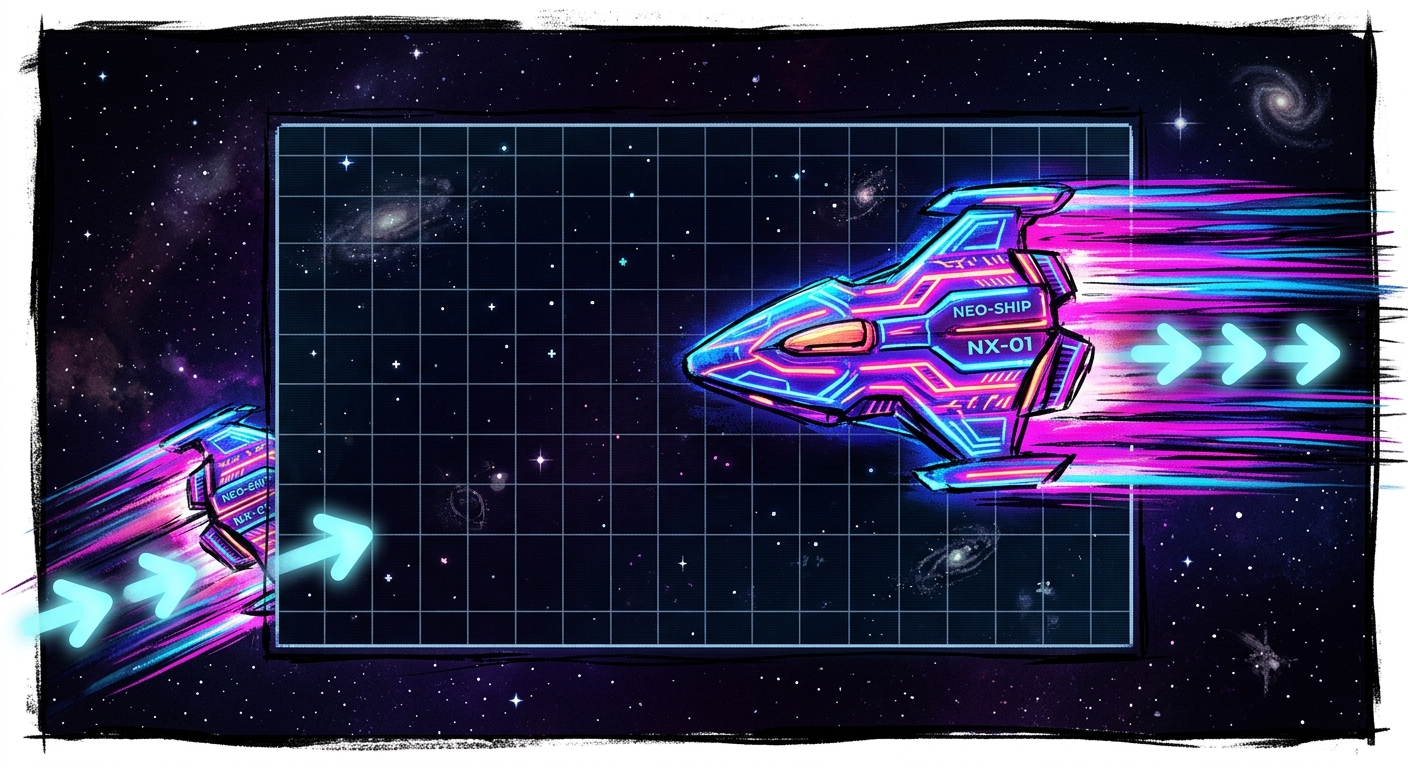
A ship crosses the right edge of the screen and returns on the left, still moving too fast to steer. The wrap works. The controls work. Yet the player has lost the thread of where they are going. Moments like this reveal how closely momentum and screen boundaries are tied: a game can handle each correctly in isolation and still feel awkward when they meet.
Find out what the drift is doing
In an arcade movement loop, acceleration changes velocity, and velocity changes position. If nothing reduces that velocity when the player releases the controls, the object keeps traveling. That may be the point in a space shooter. In a maze chase, the same behavior can turn a clean corner into an accidental detour. Before changing a number, decide what motion the player should be able to anticipate.
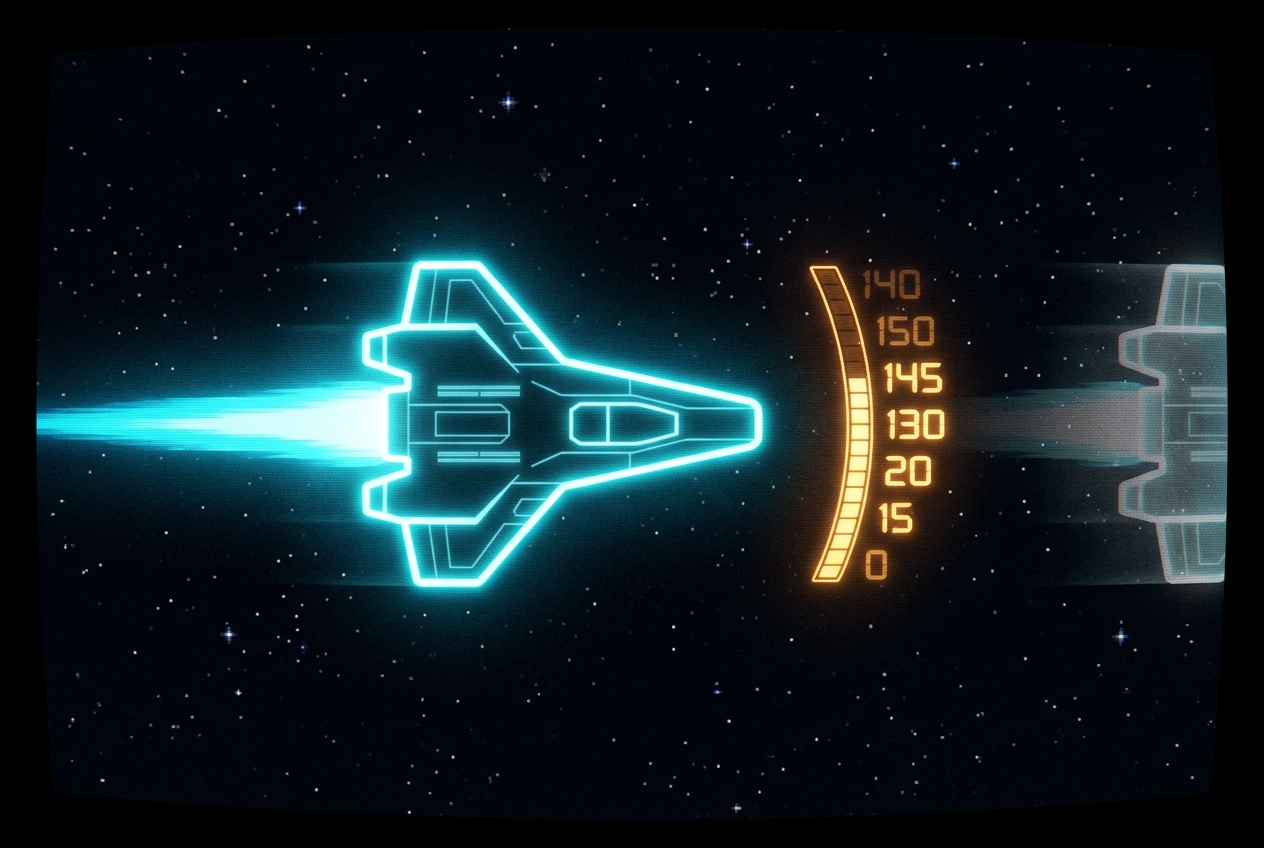
Put the player’s speed on screen during a test run. Accelerate, let go, and watch how it falls. A flat reading means there is no meaningful slowdown. A steady drop suggests a fixed amount is being removed each physics step. A rapid drop that gradually tapers suggests proportional damping. The readout gives you something more useful than “floaty”: it shows how long the player must wait before a turn becomes manageable.
Tune the slowdown to the decision
Multiplying velocity by a value below one on each fixed physics step produces smooth decay. At a fixed 50-step-per-second simulation rate, a multiplier of 0.92 sheds speed quickly; a value closer to one preserves motion longer. Treat either number as a starting point, not a universal setting. If the step rate can change, calculate damping from elapsed time so the same movement does not acquire a different feel on another device.
Proportional damping is not always the best tool. A game that needs a predictable stopping distance can move speed toward zero by a fixed amount per second, then snap tiny residual values to zero. You can also tune horizontal and vertical motion separately. A little sideways carry may make a strafe satisfying, while the same amount of forward overrun makes a target hard to approach. In Unity, keep physics changes in FixedUpdate; if the result looks choppy between physics steps, Rigidbody interpolation can smooth the rendered motion without changing the underlying tuning.
Give the boundary a clear rule
A hard wall asks the player to stop. A wrapping edge asks them to remember that space continues on the other side. In Asteroids Remake, that second rule is a useful lens for thinking about movement: crossing an edge should feel like continuing a journey, not starting a new one. Preserve the travel direction and velocity through the transition. If high speed is making re-entry unreadable, set a sensible maximum speed as part of the movement system rather than silently braking only when the ship wraps.
Choose exactly when a crossing counts. You might wrap when an object’s center passes the boundary, or wait until its whole sprite has left the screen. Either can work, but mixing the two creates visible pops. Account for the distance traveled beyond the boundary, especially at high speed, and handle horizontal and vertical crossings independently. A diagonal trip through a corner should reappear across both axes, not disappear while one check waits for the other.
Visible space is not the only boundary to consider. A mobile game with a control near the edge can compete with the operating system’s gestures. UIKit’s preferredScreenEdgesDeferringSystemGestures lets an app request that system gestures be deferred at selected edges, though players must still be able to reach those gestures. For HUD placement in Unity, anchors and pivots help a corner indicator stay near its intended edge across screen shapes. Neither setting replaces a playtest on the device in a player’s hands.
Make the crossing readable
The most demanding moment for drift control is the instant after a wrap. The player remembers their input, but their eyes must find the ship again. A brief flash on re-entry can help without interrupting motion. If hazards can wait near the opposite edge, show enough of the surrounding area for the player to respond. A surprise collision that arrives before the ship is visible teaches caution about the interface rather than skill with the game.
Test the unpleasant cases on purpose: maximum-speed travel aimed at a corner, repeated crossings in one direction, and a sprite sitting almost exactly on a threshold. Watch what happens when the player releases the controls just before wrapping. If speed drops or direction changes at that instant, check the boundary code before retuning damping. One rule should govern motion on both sides of the screen.
Let the genre decide how much freedom to allow
Screen wrap and gentle drift suit a game built around open-space navigation. A tightly guided maze asks for a different bargain. In a game such as Dot Chomper, a useful design question is how reliably the player can commit to a turn at a junction. Grid-aligned movement may need to cancel sideways velocity when a turn begins, even if that sacrifices the sense of physical momentum. The important measure is what the player believes their input will do next.
Hard-walled shooters have their own edge problem: sustained input can pin a player against a boundary while the controls appear to do nothing. Clamp position cleanly, remove velocity pushing into the wall, and make movement away from it immediate. Write down these choices alongside the damping values. Months later, that note can explain why a ship keeps coasting, why a maze character stops sharply, and why crossing the edge never erases a player’s hard-won sense of direction.
Sources

Alexandra Rivet explores the intricate interplay of games and culture for GoAndGame. A passionate storyteller, she delves into narratives with depth and curiosity. Her pieces often highlight the stories behind the pixels.