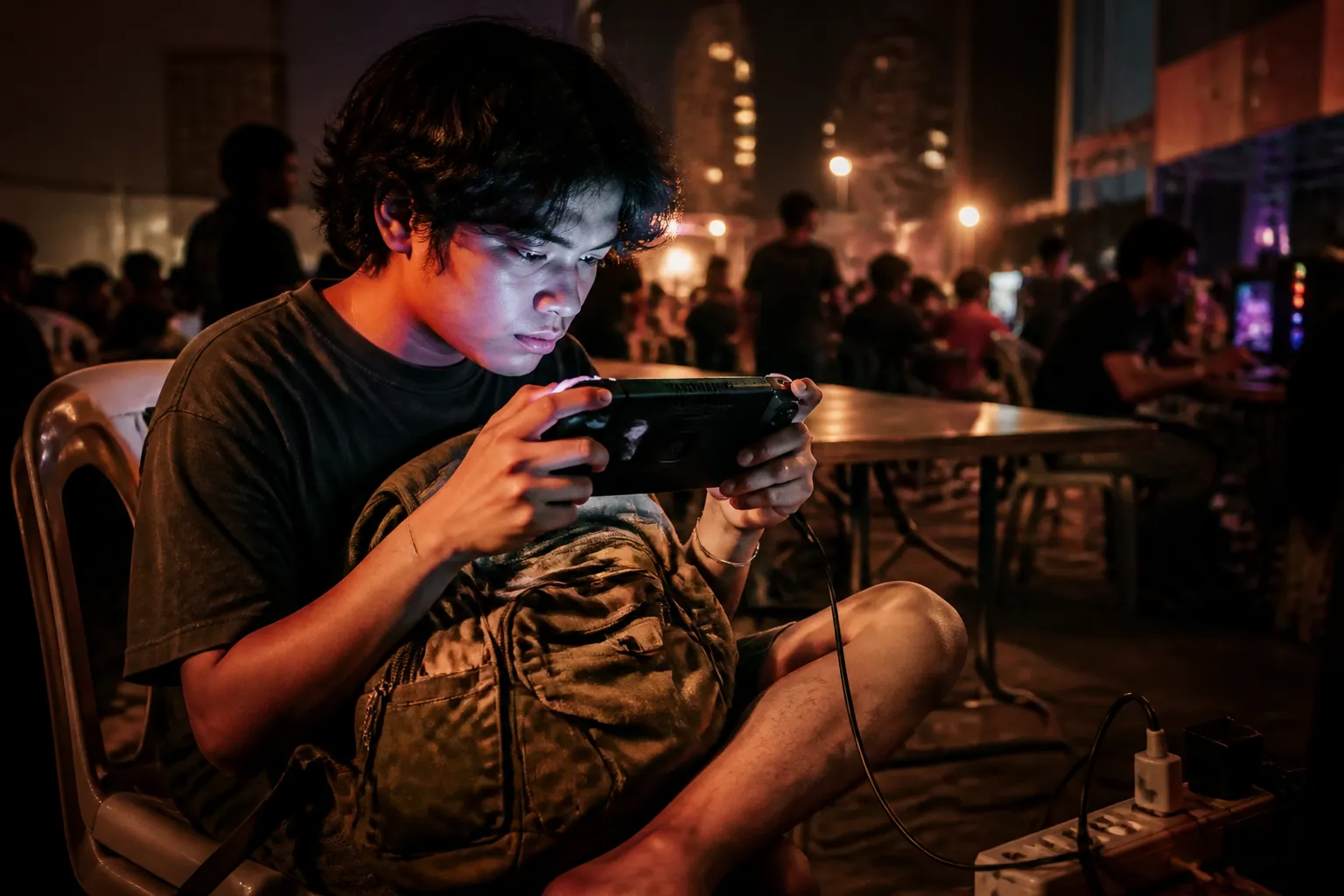
Grassroots tournament travel in Southeast Asia runs on backpacks, shared power strips and a lot of waiting. A handheld that plays your Steam library between rounds sounds ideal. The Steam Deck OLED is the version most people will be shown, so it gets a hard look here. One caveat up front: this is a research-based assessment built on three published reviews, not a hands-on test in a LAN hall. The sources carry different dates (2023, 2024 and 2026), so check current specifications before you buy.
What the OLED refresh actually changes
This is a mid-cycle refresh, not a successor. Valve swapped the LCD screen for an OLED and kept the platform. Reviewers at Trusted Reviews and Engadget both call it an upgrade on the original.
The screen numbers are the story. The panel grows from 7.0in to 7.4in. Refresh rate goes from 60 Hz to 90 Hz. HDR peak brightness reaches about 1000 nits against roughly 400 on the LCD. Resolution stays at 1280 x 800. You also get a wider P3 color gamut and true blacks. What you do not get is variable refresh rate.
The body is the same story. It weighs 640 g and stays large for a handheld. Plan bag space accordingly, especially if you already carry a laptop, a controller and a charger brick to a venue.
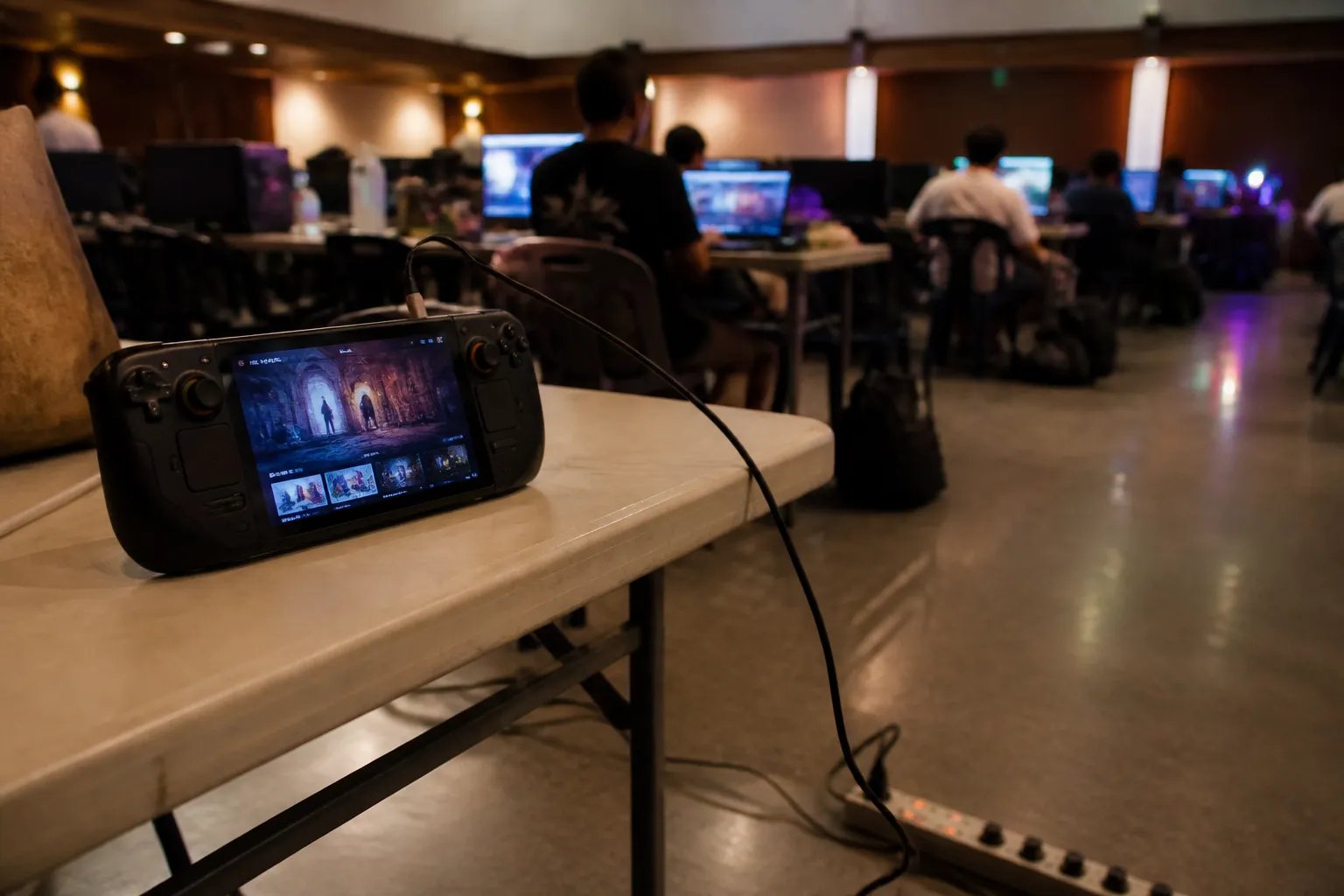
Performance: same chip, better efficiency
The chip is not faster. The OLED keeps the Zen 2 CPU and RDNA 2 GPU architecture, now built on 6 nm instead of 7 nm. That makes it more efficient, not quicker. One review reports a game that ran at about 45 fps on the LCD model still running at roughly 45 fps on the OLED.
For tournament players, that sets the expectation. Demanding titles will not gain frame rate. The 90 Hz panel helps only if your game can feed it, and with no VRR, uneven frame delivery will not be smoothed out. Be skeptical of any pitch that calls the OLED meaningfully more powerful. The source findings say otherwise. The real gain is the efficiency of the smaller process and the larger battery, which the review names as the biggest practical improvement.
Battery and charging on the road
The battery is 50 Wh. Valve says life runs 30 to 50 percent longer depending on play style. The original topped out near eight hours under ideal conditions. Valve also claims about 45 minutes to go from 20 to 80 percent. Treat both as company figures. The sources do not verify them independently.
The question that matters for travel is simple. Does 50 Wh last a full day of bus rides, brackets and side matches? The sources do not answer it. Neither do they cover the rules for carrying a battery of that size on flights or across borders. Check the airline and each country before you pack it. At a crowded LAN night, also expect to share a power strip, so a short charging window may matter more than the headline battery life.
SteamOS limits and the question of tournament eligibility
SteamOS boots into a console-style interface, flags which games are verified, and needs little setup. That suits anyone who already owns a Steam library. The limits are firm. It cannot run Windows or Game Pass, and it cannot run competitive titles that rely on kernel-level anti-cheat.
So check the exact tournament title before you spend anything. Look it up in the Steam library on the Deck and see whether it carries a verified badge. Then read the game's anti-cheat notes. A Deck that cannot launch the game on the bracket sheet is an expensive screen. The sources also say nothing about whether grassroots events allow handhelds, or which controllers and peripherals they permit. Ask the organizer, ideally in the community server, before the event.
If you just want something light for downtime, try Asteroids Remake or Segment Storm while the bracket runs late.
Buying checklist and open gaps
Buy it if you have a Steam library and want the simplest way to play away from a desk. Look elsewhere if you need Windows, Game Pass or anti-cheat-protected multiplayer. Before you commit, put these questions to the organizer and to yourself:
- Is the tournament title on the verified list, and does it use kernel-level anti-cheat?
- Does the event allow handhelds, and which controllers and peripherals are permitted?
- Is 90 Hz useful for this game, given there is no VRR?
- Will 50 Wh last a day of travel and play, and can you carry it on your route?
Several gaps remain. Engadget lists 549 with no currency stated, and there is no Southeast Asian price. Taxes, import rules, regional availability and warranty are unaddressed. LAN Wi-Fi performance, latency and sustained thermals need firsthand testing. The screen and battery are real gains. The rest is open until someone tests it in a hall.
Sources

Priya Nambiar covers competitive gaming and emerging esports ecosystems for GoAndGame, with a particular focus on Southeast Asian scenes and grassroots tournament culture. She came up through community forums before moving into sports journalism, and that background shapes everything she writes.